
Download Simple Internet Meter – internet meter, bandwidth monitor, network traffic, data usage tracker, port monitor, internet usage, network analyzer
Overview
Simple Internet Meter is a lightweight desktop utility designed to help users monitor their bandwidth consumption and analyze network performance in real time. The application focuses on tracking data traffic flowing to and from a computer, offering visibility into both incoming and outgoing network activity. This makes it particularly useful for individuals who want to understand how their internet connection is being used, especially in environments where data limits apply or performance consistency is critical.
By generating daily reports, the tool enables users to identify usage patterns, detect unusual spikes in data transfer, and assess the impact of specific applications on network performance. This functionality is valuable for remote workers, students, and home users managing shared internet plans. The app also provides insights into open ports, which can aid in diagnosing connectivity issues or identifying potential security risks associated with active network connections.
Although the developer did not provide additional technical details, the application has been available since 2011, suggesting a long-standing presence in the productivity software space. Its continued relevance indicates a stable and functional design that meets core user needs without unnecessary complexity. As a free tool, it fills a niche in the network monitoring ecosystem by offering essential features without requiring a subscription or premium upgrade.
Key Features & Functionality
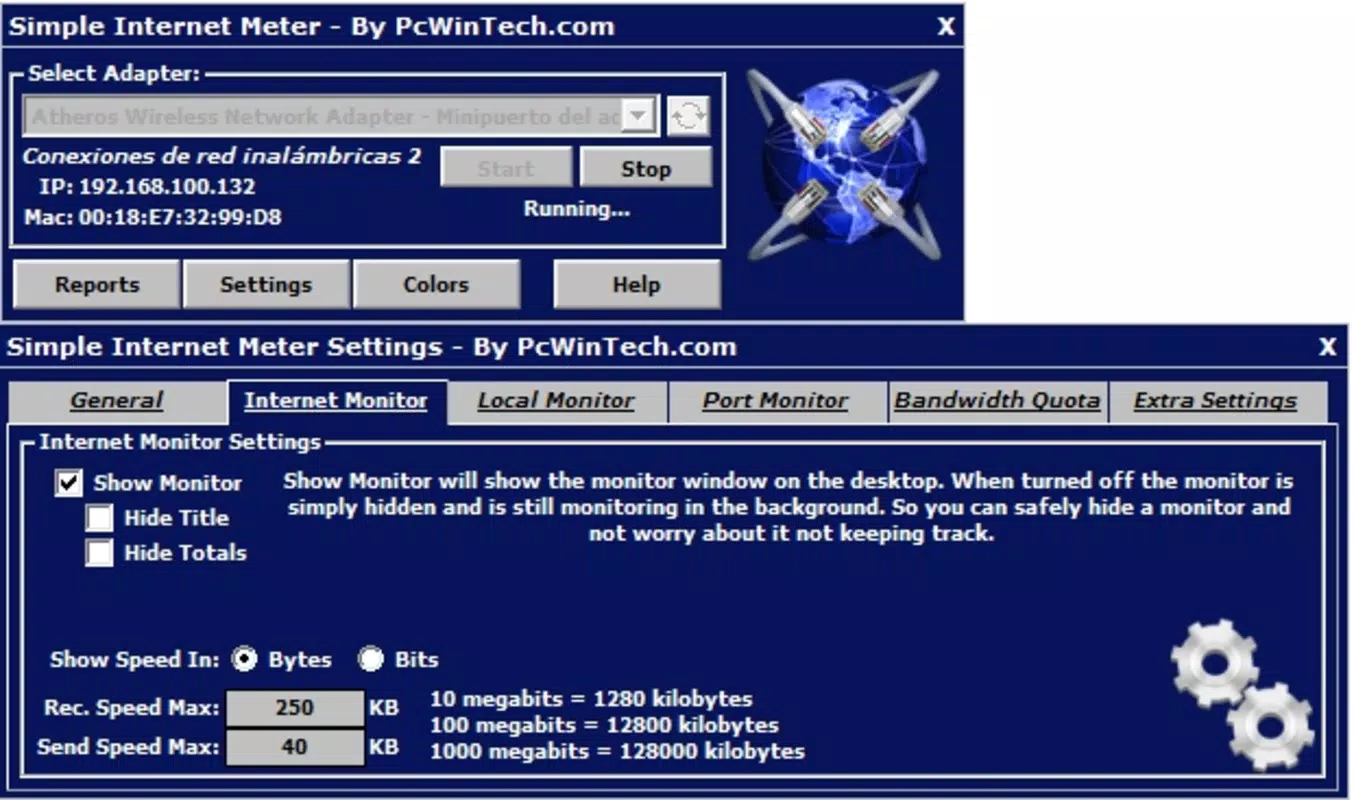
- Data Traffic Monitoring: Tracks real-time incoming and outgoing data flow, allowing users to monitor bandwidth usage across all active connections. This feature helps identify applications consuming excessive data, which is useful for managing limited data plans or optimizing network efficiency.
- Port Performance Analysis: Displays active ports and their performance metrics, helping users understand which services are communicating over the network. This insight supports troubleshooting slow connections or identifying unauthorized access attempts.
- Daily Activity Reports: Automatically compiles usage summaries at the end of each day, providing a historical view of internet activity. These reports assist in long-term planning and detecting anomalies in network behavior.
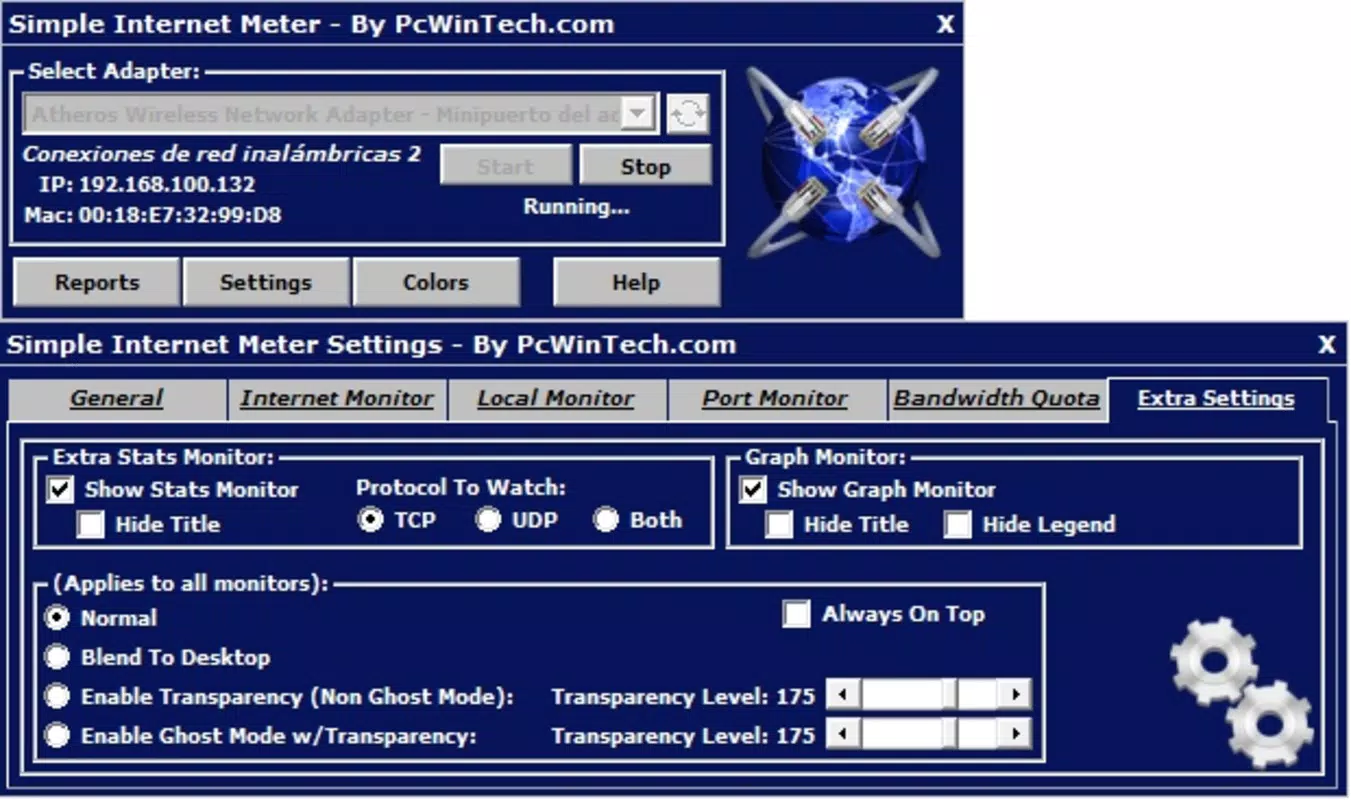
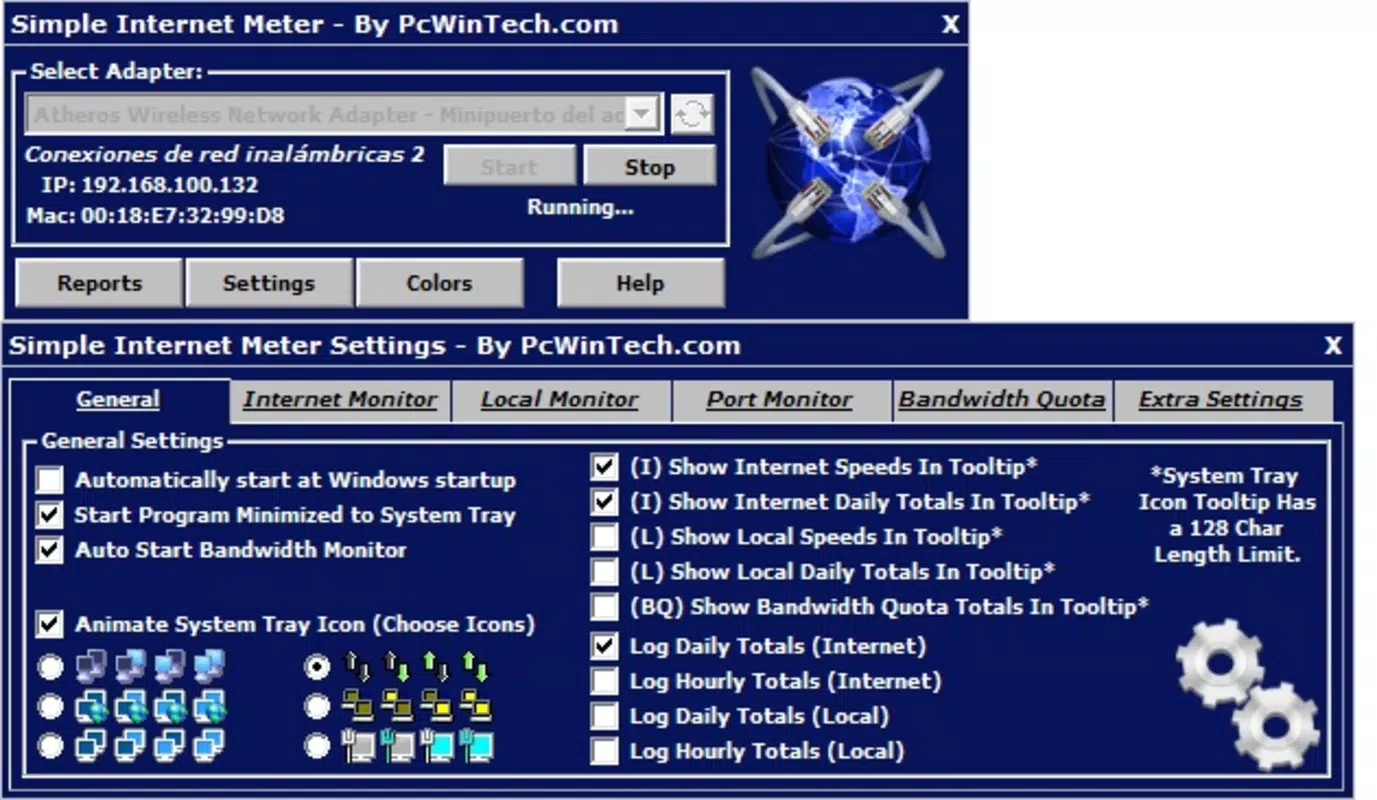
- User-Friendly Interface: Designed with simplicity in mind, the interface presents essential network status information in a clean, uncluttered layout. It integrates smoothly into the desktop environment without disrupting workflow.
- Low Resource Consumption: The application operates efficiently with minimal impact on CPU and memory usage, enabling continuous background operation without affecting system performance.
For example, a user on a capped data plan can use the daily reports to verify whether a background update or streaming service is exceeding expected usage. Similarly, a network administrator might use port monitoring to confirm that only necessary services are exposed to the internet, improving overall system security.
Interface, UX & Performance
Simple Internet Meter features a minimalist interface that prioritizes clarity and accessibility. The layout is designed to display real-time network statistics without overwhelming users with technical jargon or complex dashboards. Key metrics such as current bandwidth usage, total data transferred, and active connections are presented in a straightforward manner, making it suitable for both novice and experienced users.
Navigating through the application is intuitive, with all core functions accessible via a single window or system tray icon. The visual style is consistent with traditional desktop utilities—functional rather than flashy—ensuring that the focus remains on data accuracy and usability. Although the developer did not list formal performance metrics, the application’s lightweight nature suggests stable operation across a range of hardware configurations.
Users can expect consistent responsiveness, even when running multiple applications simultaneously. The app maintains a low memory footprint and does not introduce noticeable lag or system slowdowns. Stability appears to be a design priority, as evidenced by its long availability since 2011. While no specific information was provided about compatibility with newer Windows versions, its enduring presence indicates ongoing functionality across modern systems.
Platform Compatibility & Technical Requirements
Simple Internet Meter is designed for the Windows platform and is available in a 2.1 MB file size. The application runs on Windows operating systems, though specific version requirements were not listed. The developer did not specify minimum OS requirements, nor did they provide details about supported hardware architectures or installation dependencies.
Given its small footprint and long-standing release history, the app is likely compatible with a wide range of Windows systems, including older versions. However, users should verify compatibility with their specific setup, especially if using a modern or updated Windows environment. The lightweight nature of the application suggests it can function effectively on devices with limited resources.
Pros and Cons
Pros
- Free to download and use with no hidden costs or ads.
- Lightweight design with minimal impact on system resources.
- Real-time monitoring of incoming and outgoing data traffic.
- Provides daily reports for tracking internet usage trends.
- Simple interface suitable for users of all technical levels.
Cons
- Specific OS compatibility details were not disclosed.
- No information provided about update frequency or future development plans.
- Limited to Windows platform—no support for macOS or Linux.
- May lack advanced features found in commercial network analyzers.
- Developer did not provide detailed documentation or user guides.
FAQ
Is Simple Internet Meter safe to install?
Yes, the application is free and available through official channels. As it does not require administrative privileges for basic operation and has a minimal footprint, it poses low risk to system security.
Can I use Simple Internet Meter on Windows 11?
While the developer did not specify compatibility with Windows 11, the app’s long history and lightweight design suggest it may function on modern Windows systems. Users are advised to test the application on their device.
Does Simple Internet Meter require an internet connection to run?
No, the application operates locally on the device and does not require an internet connection to monitor network activity. It analyzes data from the computer’s own network interface.
How often are the daily reports generated?
The application generates a new daily report at the end of each day, summarizing the network usage recorded during that period. The exact timing may depend on the system clock and local settings.
Is there a mobile version of Simple Internet Meter?
No, the application is designed exclusively for desktop use on Windows. There is no official mobile version available for Android or iOS devices.
Final Thoughts
Simple Internet Meter stands out as a reliable, no-frills tool for users seeking to monitor their internet usage and network performance. Its ability to track data traffic, analyze open ports, and deliver daily reports makes it a practical addition to any Windows-based workflow. The app’s minimal resource usage ensures it can run continuously without affecting system performance, a key advantage for long-term monitoring.
While it lacks advanced features found in enterprise-grade network analyzers, its simplicity and free availability make it ideal for home users, students, and professionals managing data-sensitive tasks. For those looking to gain better control over their internet consumption without installing heavy software, Simple Internet Meter delivers consistent value.
Download Simple Internet Meter now


